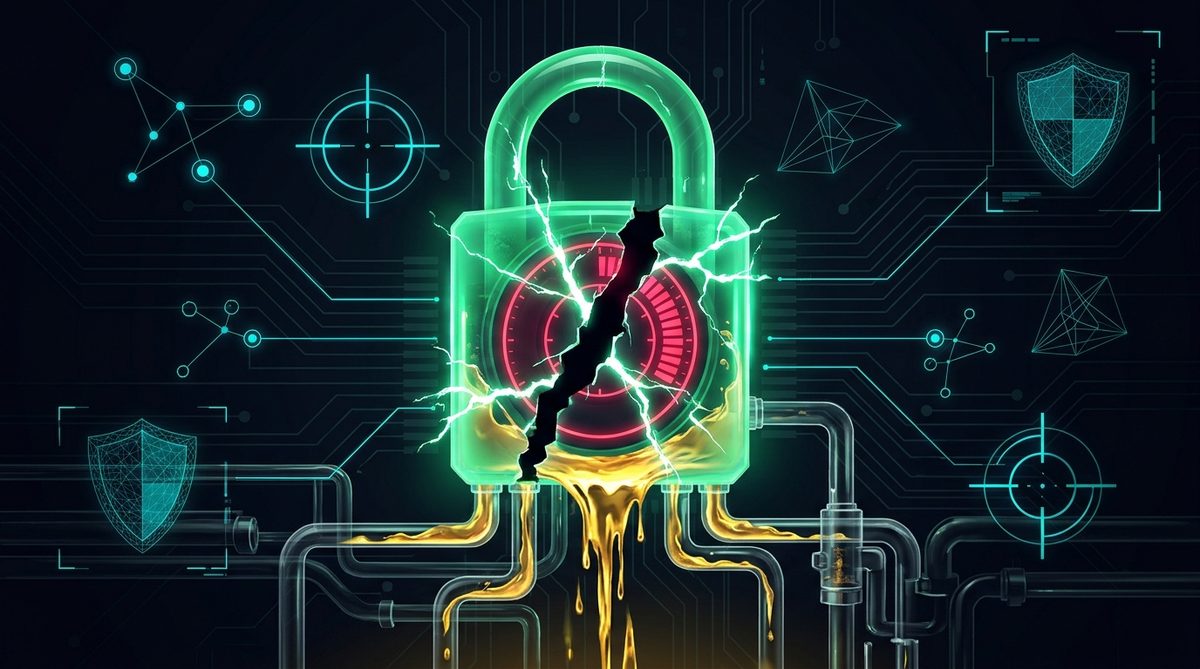
One of the first rules taught to every new Solana trader is simple: "Always check that the liquidity pool is locked or burned before buying." Because retail buyers have learned to look for a green padlock icon on charting terminals or a pinned "LP Locked!" message in Telegram, malicious token deployers have evolved their tactics. Instead of leaving 100% of their LP tokens blatantly unlocked in their creator wallet, they engineer deceptive LP lock traps designed to pass superficial visual checks while keeping the pool completely drainable.
In this on-chain security investigation, we dissect the three most common liquidity lock illusions used on Solana in 2026 and explain how RugPullShield verifies true LP burn and escrow states before you risk your SOL.
The 3 Most Common Fake LP Lock Tricks on Solana
When a scammer claims "100% LP Locked for 1 Year" in their project bio, they are usually relying on one of three technical sleights of hand:
- The Partial Lock Illusion (Locking 10%, Keeping 90%): Some third-party chart widgets display a padlock icon as soon as any non-zero amount of LP tokens is deposited into a locker contract. Scammers exploit this by locking 10% to 15% of the Raydium LP tokens in a public locker while quietly transferring the remaining 85% to 90% of LP tokens to an unlabelled side wallet. When retail volume peaks, the side wallet withdraws 90% of the SOL from the pool in a single block.
- The Micro-Duration Cliff (2-Hour to 24-Hour Locks): Instead of locking liquidity for 6 or 12 months, the deployer locks 100% of the LP tokens for just 3 hours or 24 hours. During the first hour of launch, every scanner shows that 100% of the LP is locked. The syndicate uses paid trending boosts and paid KOL call channels to drive FOMO right up until the unlock timestamp expires, then pulls the entire pool the second the timer hits zero.
- Spoofed Lock Certificates & Fake Burn Tx Links: In fast-moving Telegram groups, scammers post screenshots of locker certificates or link to a Solscan burn transaction where they burned regular SPL tokens (worth nothing) rather than the actual Raydium LP Mint tokens.
LP Burn vs. Time-Locked Escrow: What Is the Difference?
To audit liquidity safety accurately, you need to distinguish between permanent LP burns and programmable time locks:
- Permanent LP Token Burn: The LP tokens minted when initializing the Raydium pool are sent to the Solana incinerator address or burned via the SPL Token burn instruction, reducing the LP token supply to zero. Neither the founder nor anyone else can ever withdraw the underlying SOL reserve.
- On-Chain Time-Locked Escrow: The LP tokens (or team token allocations) are deposited into a verified smart contract locker (such as the on-chain locker provided by SolanaTokenCreator) with a transparent, immutable unlock timestamp stored on the blockchain.
| Audit Check | Safe Liquidity Structure | Deceptive LP Lock Trap |
|---|---|---|
| Percentage of LP Locked/Burned | 95% to 100% of the actual LP Mint token supply | Only 5% to 25% locked to trigger a badge, or regular tokens burned instead of LP tokens |
| Unlock Timestamp | Permanently burned or locked for 6 to 12+ months | Expires in 2 to 48 hours right after the marketing push |
| Concentrated Liquidity (CLMM) | Position NFT is locked or protocol fees only are claimable | Deployer holds the unlocked CLMM position NFT and can remove 100% of liquidity ticks |
How to Audit Liquidity Locks in 3 Seconds
Checking LP Mint addresses, token accounts, and escrow unlock timestamps manually on Solscan takes several minutes. Instead, combine automated contract verification with disciplined strategy testing:
- Run an Instant Scan on RugPullShield: Paste any Solana token mint address into RugPullShield. Our scanner automatically locates the underlying liquidity pool, calculates the exact percentage of LP tokens burned or locked, and flags dangerous unlocked LP reserves immediately.
- Use Rug-Aware Paper Testing for Strategies: If you research and test automated token filters on your PC using PumpTrader, its built-in Rug-Aware Exits automatically record liquidity collapses during paper trading so you can see exactly which minimum liquidity and token-age ranges keep your bots out of fragile pools.